GA4 E-commerce Data Layer: The Complete Guide (items, add_to_cart, purchase)
- Published
- 7 min read
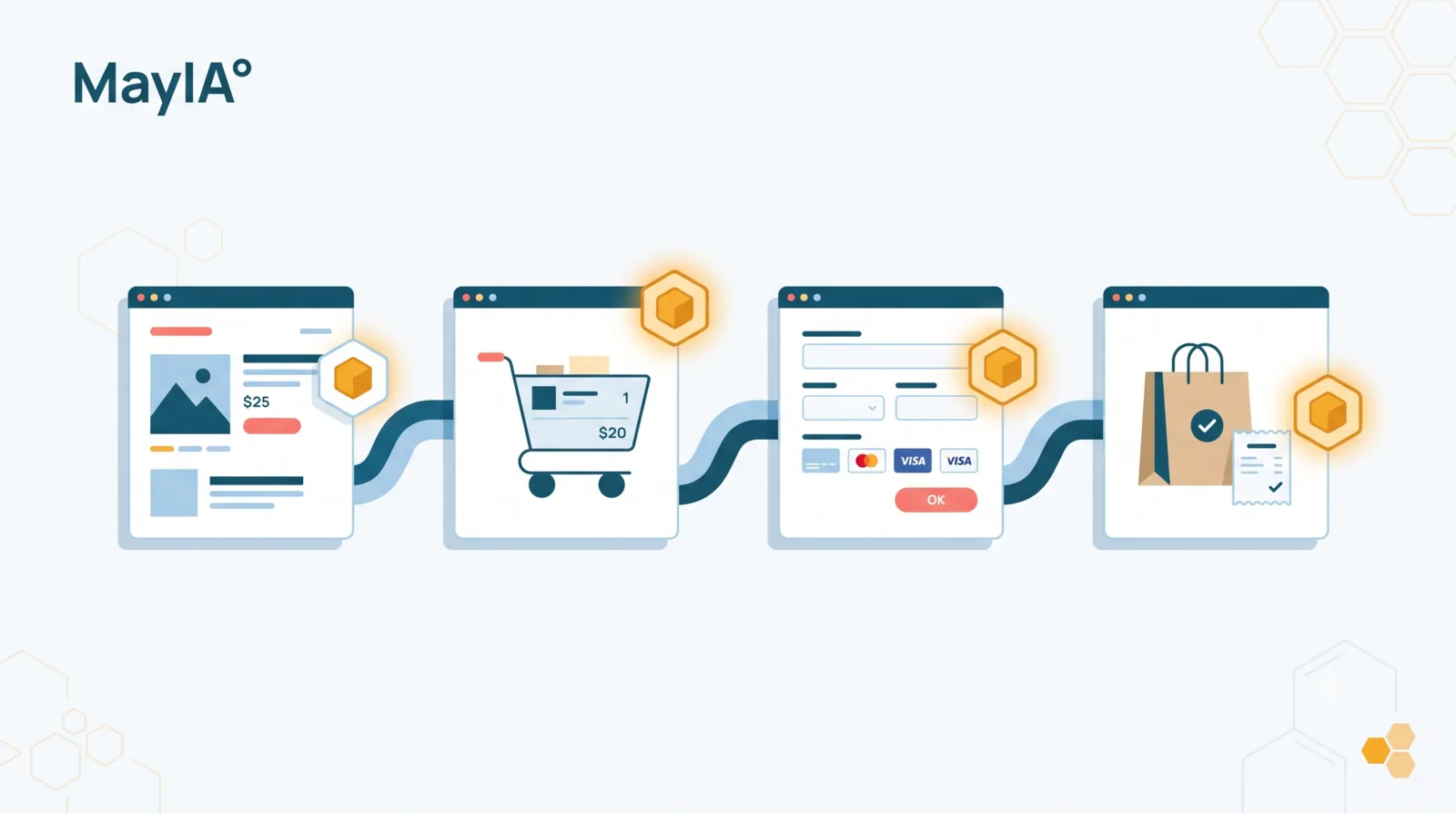
In short: the GA4 e-commerce data layer is the structure that describes each step of the purchase funnel (product view, add to cart, checkout, purchase) as standardized events. Each one relies on a shared
itemsarray that lists the products with their id, name, price and quantity, plus a currency and a value. It's what powers GA4's monetization reports.
An e-commerce funnel is where your revenue is won or lost. And yet it's also the part of tracking where I see the most sloppiness: a homegrown add_to_cart with the wrong name, a half-filled items array, a purchase counted twice. The result is GA4 reports that don't reflect your actual sales.
The good news: GA4 expects a precise, documented structure, and once you understand it, it reuses itself everywhere. In this guide, I'll walk you through the GA4 e-commerce data layer end to end: the items array, the funnel events in the right order, a complete purchase example, and the pitfalls to avoid. Let's go.
What is the GA4 e-commerce data layer?
The e-commerce data layer is the part of your data layer dedicated to the purchase funnel. Concretely, it's a set of standardized events you push at each key step: viewing a product, adding to cart, entering checkout, paying, buying.
Why "standardized"? Because GA4 only recognizes these events if they carry the expected names (view_item, add_to_cart, purchase) and the expected structure (an ecommerce object containing an items array). A homegrown event called cart_add with your own parameters will never fill GA4's monetization reports. You have to speak GA4's language.
That's the whole point: those reports (revenue, best-selling products, funnel conversion rate) only populate if the data layer sends exactly what GA4 knows how to read.
The items array, the block shared by every event
Before the events, let's talk about the block they all share: the items array. It lists the products involved in the event, and you'll find it in almost every funnel event, from view_item to purchase.
Here's its typical structure, for one product:
items: [{
  item_id: 'SKU-123',              // product id (required*)
  item_name: 'Crew-neck T-shirt',  // product name (required*)
  item_brand: 'MyBrand',
  item_category: 'Apparel',
  item_variant: 'Blue / M',
  price: 29.90,
  quantity: 1
}]
Note (*): GA4 needs at least an item_id or an item_name. In practice, fill in both, plus price and quantity, or your product reports will be incomplete.
Keep in mind one rule that saves a lot of trouble: the same product must keep the same item_id across the whole funnel. If view_item sends SKU-123 and purchase sends 123-SKU, GA4 treats them as two different products and won't link the view to the purchase.
The GA4 e-commerce events in funnel order
GA4 offers a series of recommended e-commerce events. You don't have to implement all of them, but the more of your funnel you cover, the more usable your reports become. Here they are in the logical order of the journey.
Before each push, a best practice: clear the ecommerce object with dataLayer.push({ ecommerce: null }). This prevents one event's data from bleeding into the next, a classic and sneaky bug.
view_item_list and view_item
view_item_list fires when a list of products is displayed (a category page, search results). view_item fires when a product page is viewed:
window.dataLayer.push({ ecommerce: null });
window.dataLayer.push({
  event: 'view_item',
  ecommerce: {
    currency: 'EUR',
    value: 29.90,
    items: [{ item_id: 'SKU-123', item_name: 'Crew-neck T-shirt', price: 29.90, quantity: 1 }]
  }
});
add_to_cart and view_cart
add_to_cart fires when an item is added to the cart, view_cart when the cart is viewed. The structure is the same, with the quantity added:
window.dataLayer.push({ ecommerce: null });
window.dataLayer.push({
  event: 'add_to_cart',
  ecommerce: {
    currency: 'EUR',
    value: 59.80,
    items: [{ item_id: 'SKU-123', item_name: 'Crew-neck T-shirt', price: 29.90, quantity: 2 }]
  }
});
begin_checkout and add_payment_info
begin_checkout marks entry into the checkout flow, add_payment_info the addition of a payment method. These are valuable milestones for measuring drop-off step by step:
window.dataLayer.push({ ecommerce: null });
window.dataLayer.push({
  event: 'begin_checkout',
  ecommerce: {
    currency: 'EUR',
    value: 59.80,
    items: [{ item_id: 'SKU-123', item_name: 'Crew-neck T-shirt', price: 29.90, quantity: 2 }]
  }
});
purchase
The king event, the one that reports revenue. It deserves its own section, because that's where the most expensive errors cluster.
A complete example: an end-to-end purchase
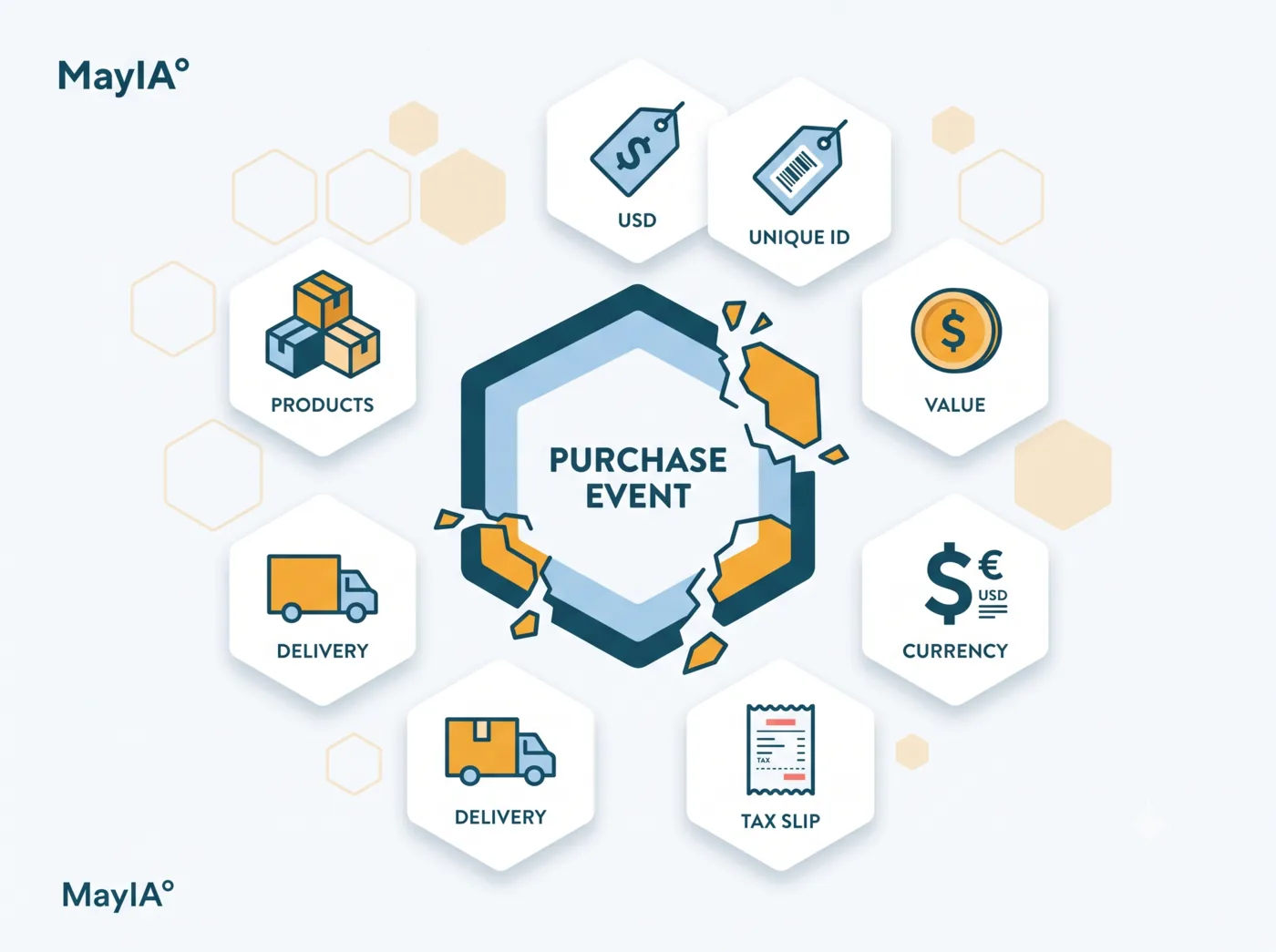
The purchase is the richest event. On top of the items, it carries transaction information: an id, a value, tax, shipping, an optional coupon.
window.dataLayer.push({ ecommerce: null });
window.dataLayer.push({
  event: 'purchase',
  ecommerce: {
    transaction_id: 'ORD-2026-000123',   // unique order id (required)
    currency: 'EUR',
    value: 59.80,                         // transaction value
    tax: 9.97,
    shipping: 4.90,
    coupon: 'WELCOME10',
    items: [
      { item_id: 'SKU-123', item_name: 'Crew-neck T-shirt', price: 29.90, quantity: 2 }
    ]
  }
});
Two points deserve your attention. First, the transaction_id is required and must be unique: it's what lets GA4 deduplicate. Without it, or if it repeats, your purchases risk being counted multiple times. Second, the value: decide on a clear convention (usually the product total, shipping included or not, your call) and stick to it across the funnel, or your value analyses become inconsistent.
The most common e-commerce pitfalls
The e-commerce data layer concentrates a few classics I run into on most audits:
- The empty
itemsarray, often after a migration: the product data is no longer available at push time, and your revenue is underestimated. - The missing
valueonpurchase: purchases are counted, but revenue stays at zero. - Inconsistent
item_ids from one step to the next: GA4 no longer links the view to the purchase. - Forgetting to clear the
ecommerceobject: one event's data merges into the next. - The
purchasereplayed on every reload of the confirmation page: without a reliabletransaction_id, every refresh adds a phantom sale.
I break down the symptoms and fixes for several of these in my article on data layer errors that skew GA4. The common thread stays the same: these bugs raise no alert, they pollute your data in silence.
How to QA your e-commerce data layer
A funnel gets tested end to end. Concretely: you replay the full journey, from the product page to the order, and at each step you check that the right event fires, with the right items array and the right values. GTM Preview mode and GA4 DebugView are your two allies here. I describe the step-by-step method in my article on how to test a data layer.
The catch, you know it by now: this funnel changes with every site update, and manual QA can't be redone in full on every release. That's exactly what MayIA° automates: it replays the e-commerce funnel like a real customer and checks every data layer event continuously, to catch the regression before it skews your revenue.
Wrapping up
If there's one thing to take away: the GA4 e-commerce data layer isn't rocket science once you grasp the logic. A consistent items array, standardized events in funnel order, a clean purchase with its unique transaction_id, and your monetization reports become reliable.
The real work isn't setting it up once, it's guaranteeing it stays correct release after release. A funnel that quietly breaks is revenue you're no longer measuring.
Want to secure your funnel tracking before a redesign or a traffic peak? Reach out to the MayIA° team, we'll look at it together.
FAQ
Which GA4 e-commerce events are required?
None are technically required, but purchase is essential to measure revenue. The others (view_item, add_to_cart, begin_checkout) are recommended: the more of your funnel you cover, the better you analyze drop-off. Aim for at least view_item, add_to_cart, begin_checkout and purchase.
Should you clear the ecommerce object between events?
Yes, it's a best practice. Pushing dataLayer.push({ ecommerce: null }) before each new e-commerce event prevents one event's data from mixing into the next and skewing reports.
What should the items array contain at minimum?
At minimum an item_id or an item_name per product. For usable reports, also include price and quantity, ideally item_category and item_brand, and keep the same item_id for a product across the whole funnel.
Why is my purchase counted twice?
Most often because the event re-fires on every reload of the confirmation page, or because the transaction_id isn't unique. GA4 relies on that transaction_id to deduplicate purchases.
Does the e-commerce data layer work server-side?
Yes. The same event and items structure can be sent through server-side tracking (Server-Side GTM). The logic stays identical, only the sending method changes.