What Is a Data Layer? Definition, Examples, and Reliability
- Published
- 8 min read
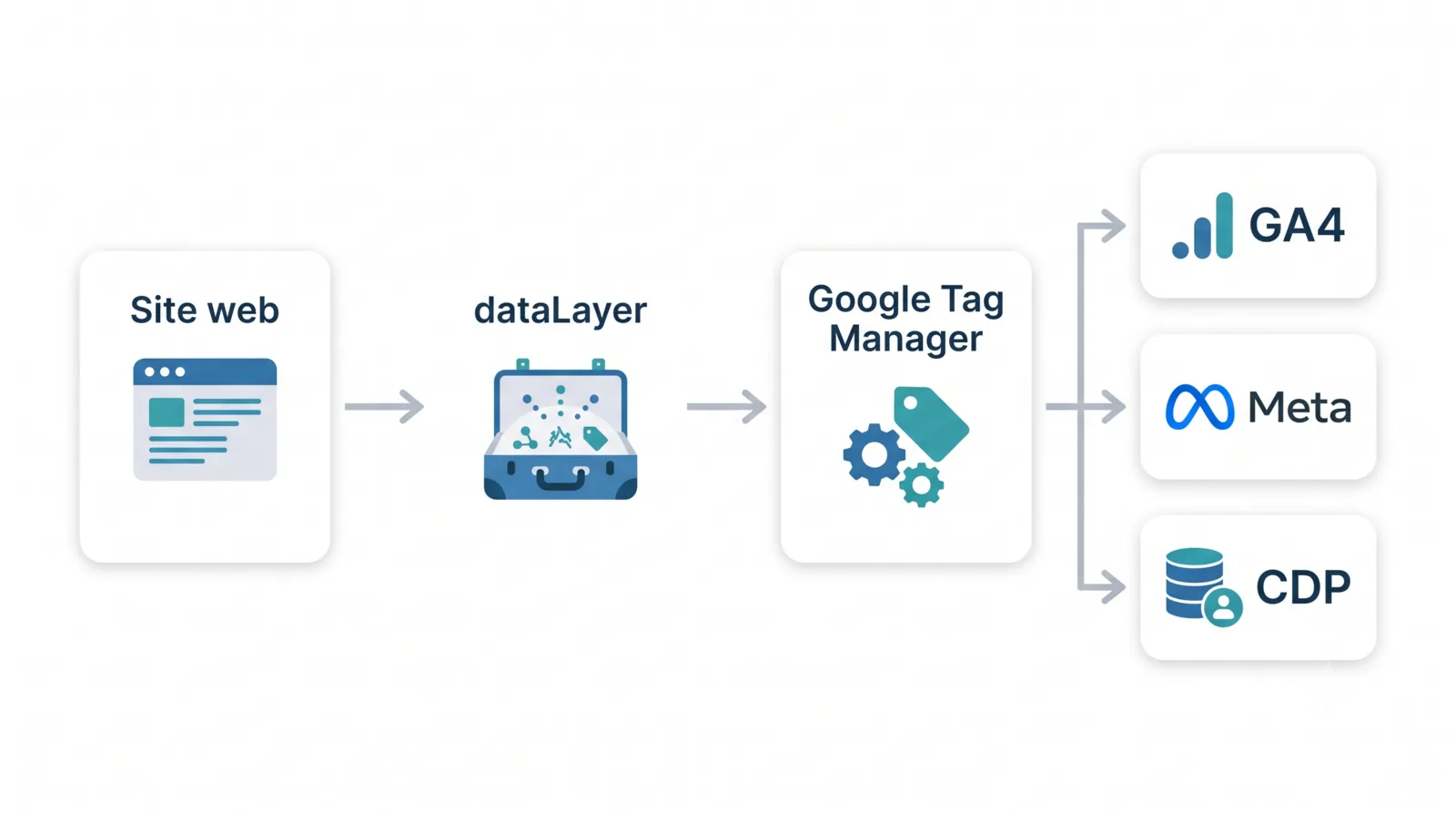
In short: a data layer is a JavaScript object that centralizes the information you want to track on a web page (page type, product, event, user) and passes it cleanly to tools like Google Tag Manager, then on to GA4 or Meta. It separates your data from the page's code and makes collection more reliable, as long as it's maintained over time.
A few months ago, a client called me, slightly panicked: since their redesign, sales in Google Analytics 4 had dropped by 30%, while their actual revenue hadn't moved by a single euro. The culprit? A broken data layer. One event that had stopped firing. The data had been wrong for three weeks, and nobody had noticed.
The data layer is the foundation a large part of your tracking sits on. And yet plenty of people use it without really knowing what it is. In this article, I'll walk you through what a data layer is, how it's structured, how you set it up, how you check it, and above all why a perfectly clean data layer today can break tomorrow. Let's get into it.
What is a data layer, exactly?
A data layer is a JavaScript object present on your pages whose only job is to hold the information you want to send to your measurement tools. Think of it as a well-packed suitcase: the site drops clean data into it (page type, product viewed, user action) and the tools come and pick it up.
This information isn't meant to be read by the visitor. It lives behind the scenes, in the code, and exists purely to feed your tracking.
The first tool that reaches into it, in the vast majority of cases, is Google Tag Manager (GTM), a tag management system that centralizes your analytics and media tags so you don't have to touch the site's code every time. GTM reads the data layer, pulls variables out of it, and uses them to fire the right tags at the right moment (to GA4, Meta, Google Ads, a CDP like Segment, and so on).
The line to remember: the data layer is the source of truth for your collection. If it's wrong, everything downstream is wrong too.
What is a data layer used for?
You might think: why bother, can't GTM just read the page directly? It can. But reading the DOM directly (the HTML structure the browser renders) is fragile: the day a developer renames a CSS class or moves a button, your tracking falls apart without warning.
The data layer solves that. Concretely, it's there to:
- Centralize the data: everything useful for tracking arrives in one place, in a predictable format. No more custom HTML tags cobbled together to catch a click here and a form submit there.
- Separate the data from the page's code: your tracking data no longer depends on the layout. The design can change, the data stays in the same place.
- Expose information that's invisible on the page: a logged-in user's ID, a cart value, a page category, data that appears nowhere on screen but that you want to measure.
- Make collection more reliable: structured data upstream means fewer errors downstream, in GA4, Meta, or your CDP.
The goal: clean, robust collection that doesn't depend on the homepage's latest design whim.
How is a data layer structured?
Key-value pairs (and a question of casing)
Technically, a data layer is a JavaScript array that holds data as key-value pairs. Each piece of information has a name (the key) and a value.
window.dataLayer.push({
  page_type: 'product',      // key: page_type / value: 'product'
  user_status: 'logged_in',
  user_id: '84213'
});
Nothing dramatic. The trap is elsewhere: casing. You can name your keys in camelCase (pageType) or snake_case (page_type), both are valid. What's not valid is mixing the two across a single site.
I've seen projects lose hours debugging GTM variables that returned nothing, simply because one page sent pageType and another sent page_type. GTM doesn't guess: to it, those are two different variables.
One rule, and only one: pick a naming convention and never let go of it.
Static data layer vs interaction data layer
There are two broad families:
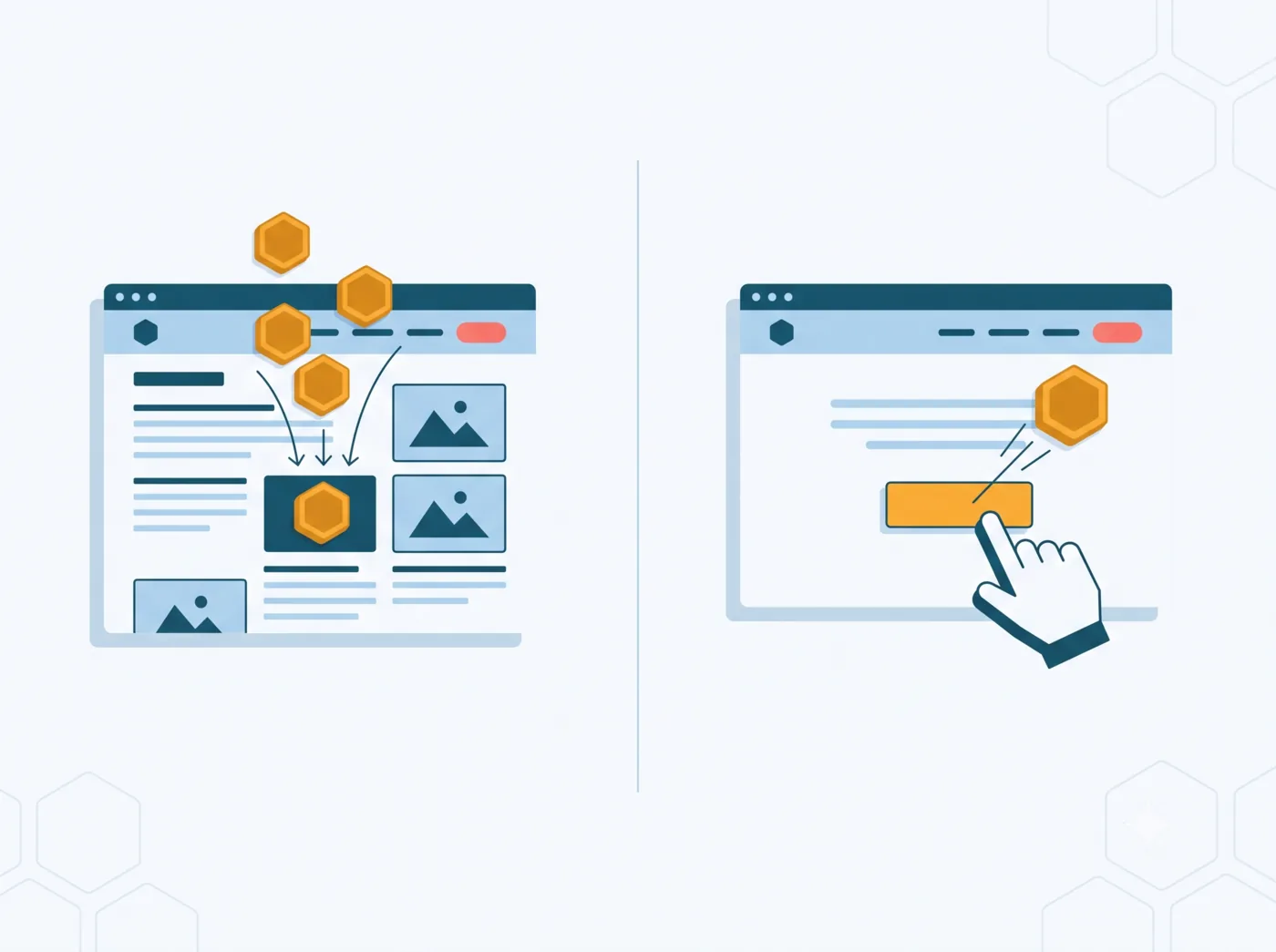
- The static data layer is pushed on page load. It describes the context: page type, category, user status, customer value. This is data available the moment someone lands on the page.
- The interaction data layer is pushed when the user does something: clicking a CTA, submitting a form, adding a product to the cart. In that case we talk about an event.
The e-commerce data layer is a special case of the interaction data layer: it goes with funnel events (product view, add to cart, purchase) and carries a currency, a value, and a list of items. It's a topic of its own, which is why it has a dedicated GA4 e-commerce data layer guide.
How do you set up a data layer?
Two approaches, depending on your context.
Through a CMS plugin. On Shopify, WooCommerce, or PrestaShop, plugins generate a data layer automatically. It's fast and handy to get started. But let's be honest: these plugins produce a standardized structure that rarely matches your tracking plan exactly. Keep in mind you'll need to check that what's sent really corresponds to what you want to measure.
Manually. For real control, you declare the data layer by hand. Two points of method make all the difference.
First, you initialize the data layer once, as early as possible in the <head>, and crucially before GTM loads (otherwise GTM starts without seeing your data):
<script>
  // Use the existing data layer, or create an empty array.
  window.dataLayer = window.dataLayer || [];
</script>
⚠️ You never re-initialize it afterward: resetting it would wipe everything already pushed. You simply add events to it with dataLayer.push().
Second, you push the data: page context on load, then interactions as they happen.
// On load (page context)
window.dataLayer.push({
  page_type: 'product',
  user_status: 'guest'
});

// On interaction (e.g. add to cart)
window.dataLayer.push({
  event: 'add_to_cart',
  ecommerce: {
    currency: 'EUR',
    value: 29.90,
    items: [{ item_id: 'SKU-123', item_name: 'T-shirt', price: 29.90 }]
  }
});
As a reminder: anything without an event key is context data, to send early; anything carrying an event is an interaction, to fire at the right moment. Respecting that order prevents a good share of tracking bugs.
How do you check what's in your data layer?
Setting up a data layer is good. Checking that it actually sends what you think is better. Three quick methods:
- The browser console. Open the inspector (Ctrl+Shift+I), go to the Console tab, type
dataLayerand hit enter: you'll see the whole array, variables and events. The baseline reflex for a raw check. - A Chrome extension. Tools like dataslayer or DataLayer Checker display the data layer contents in a readable way, event by event. Handy for spying on competitors' setups too.
- GTM's Preview mode. The most complete: you see not only the pushes, but above all how GTM interprets them: which variables get populated, which tags fire, and in what order. That's where you catch race conditions (for example a custom event firing before consent).
Why a reliable data layer today can break tomorrow
Here's the point most articles skip, and it's the most important one.
A data layer isn't a fixed object you set up once and forget. It lives with your site. And with every change (a redesign, a new feature, a simple fix) it can break. Silently.
A few classics I run into with clients:
- A developer changes the order of the pushes, and an event now fires before its data is available.
- A variable gets renamed on the front end (
totalValuebecomestotal_value), and GTM stops returning anything. - A button changes its CSS
id, and a listener that relied on it no longer fires. - A push gets accidentally duplicated, and your purchases are counted twice.
The worst part? No red error shows up. The site works, visitors buy, everything looks normal. Only your numbers drift, quietly, until someone notices, like my client, that GA4 no longer matches the back office. Three weeks too late.
Manual QA (Preview mode, console) is still essential. But let's be clear: it doesn't scale. You can't replay every journey, on mobile and desktop, by hand, on every release. That's exactly where automated monitoring takes over, which is the logic behind MayIA°: it replays journeys and checks every data layer event continuously, to catch the regression before your users do. But that's a topic for another article: how to test a data layer before and after a release.
Wrapping up
If there's one thing to take away: the data layer is the foundation of your collection, and a foundation is something you build cleanly and maintain. A clear definition, a consistent naming convention, a controlled push order, and systematic checking: that's what separates trustworthy data from a dashboard that talks nonsense.
And above all, keep in mind that the real risk isn't setting up a data layer badly on day one. It's watching it degrade, silently, release after release.
Not sure about the reliability of your collection, or have a redesign coming up? Feel free to reach out to us at Smart Bees, let's talk it through.
FAQ
What's the difference between the data layer and Google Tag Manager?
The data layer holds the data; Google Tag Manager uses it. The data layer is a passive information layer on your pages, while GTM reads its variables and events to fire the right tags to GA4, Meta or other tools.
Where should the data layer go in the code?
The data layer must be initialized before the Google Tag Manager code, as early as possible in the head. Page data is pushed on load, interaction events when the user acts.
Data layer or reading the DOM directly: which should you choose?
The data layer almost always. Reading the DOM works but breaks at the slightest design or CSS class change. The data layer separates data from layout and makes collection more stable.
Can you use a data layer without Google Tag Manager?
Yes. The data layer is a plain JavaScript object independent of GTM that other scripts can read. In practice it is very often paired with GTM, without any technical requirement.
How do I know if my data layer is correct?
Use the browser console, an extension like dataslayer, or GTM Preview mode. These checks are enough occasionally; guaranteeing reliability after every release calls for continuous monitoring.